.png?fit=max&auto=format&n=u7saXgSwhIjXsY7P&q=85&s=66da6f97e851defcb12af05b800a8a27)
.png?fit=max&auto=format&n=u7saXgSwhIjXsY7P&q=85&s=37df025ce7a3cc54dd90f8edad1cf54f)
Prerequisites
- Codex Desktop installed and signed in
- A Kyberis account with access to the workspace you want Codex to use
- Node.js 20 or newer with
npxfor installing the Kyberis skill - Permission to authenticate the Kyberis MCP server through your browser
1. Open Codex Desktop Settings
Open Codex Desktop and select Settings from the lower-left account menu.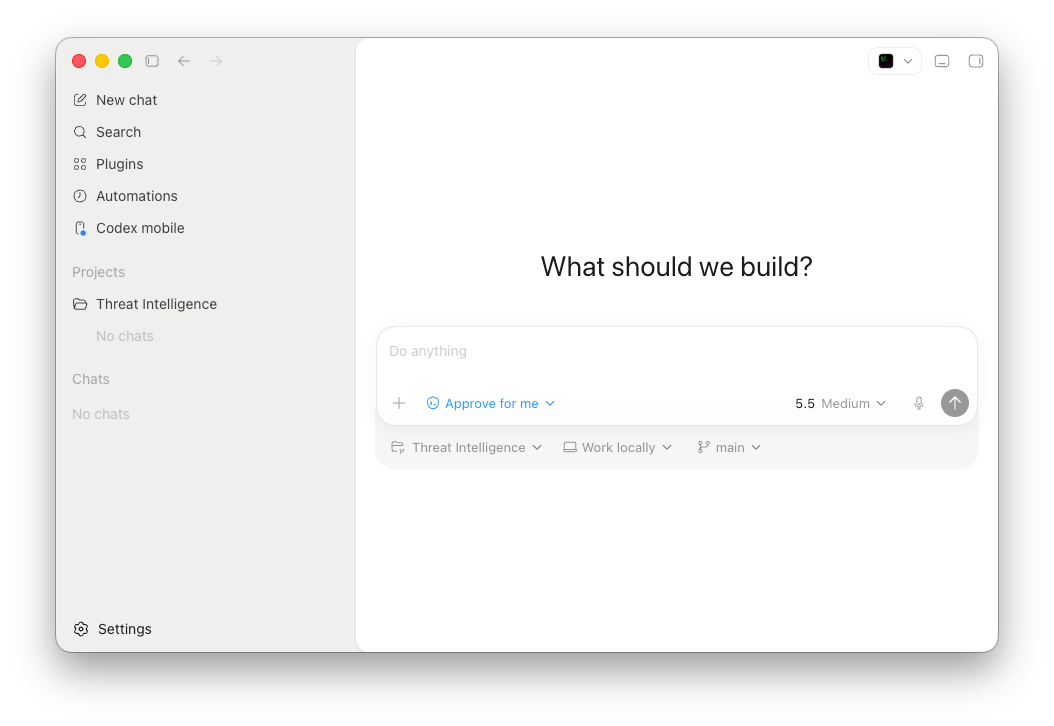
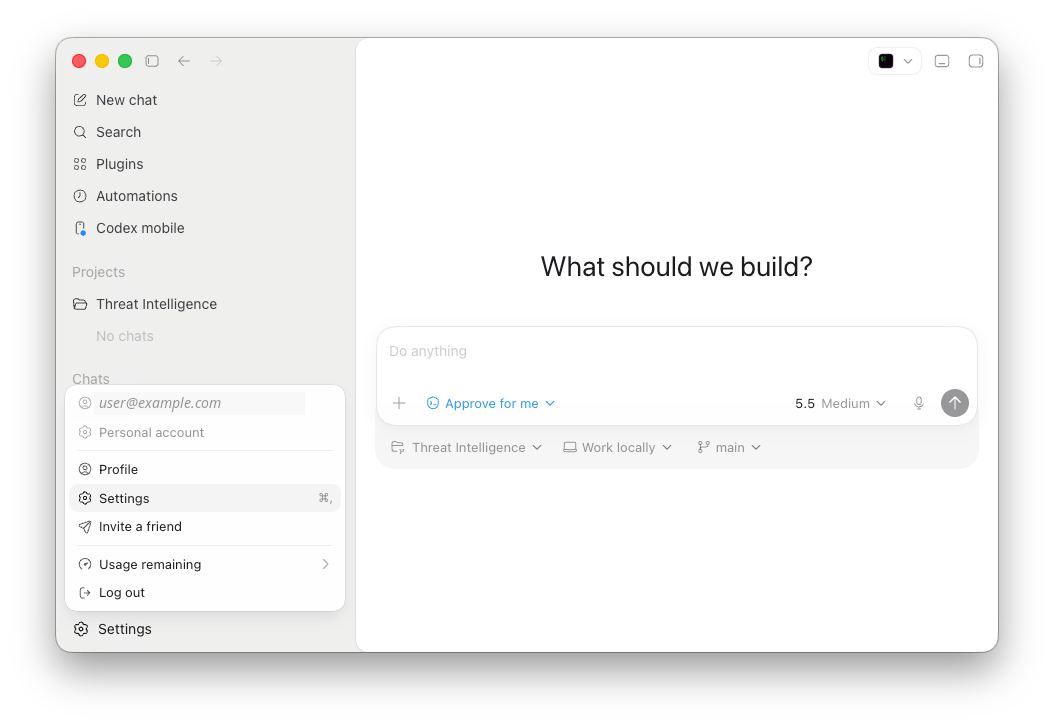
2. Open MCP Servers
In Settings, select MCP servers under Integrations.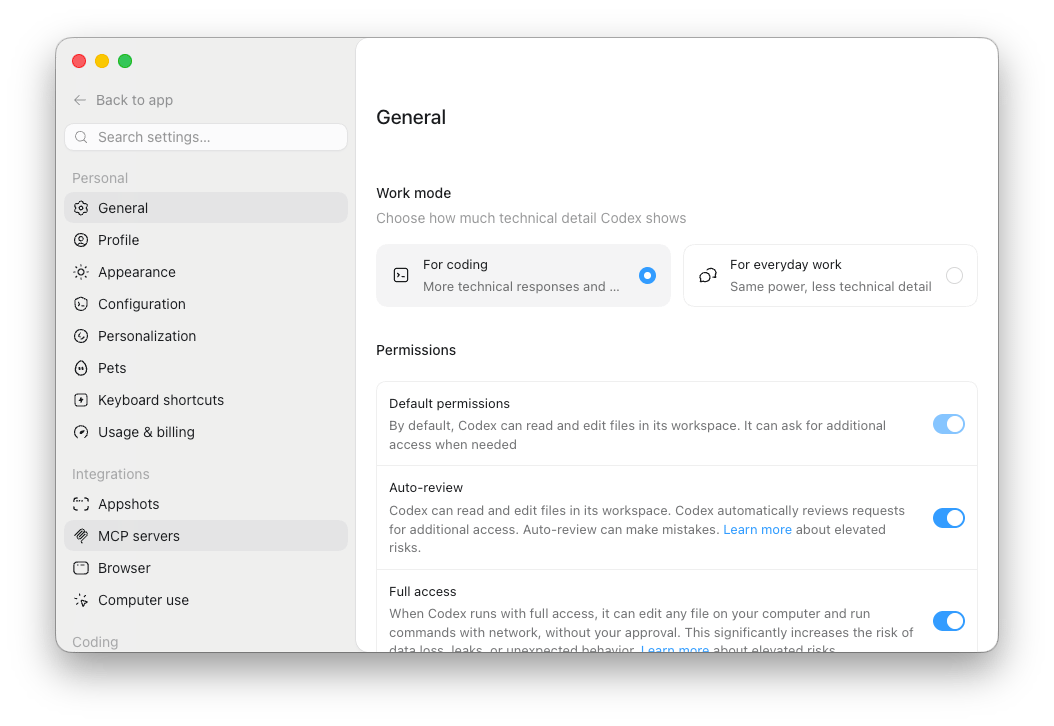
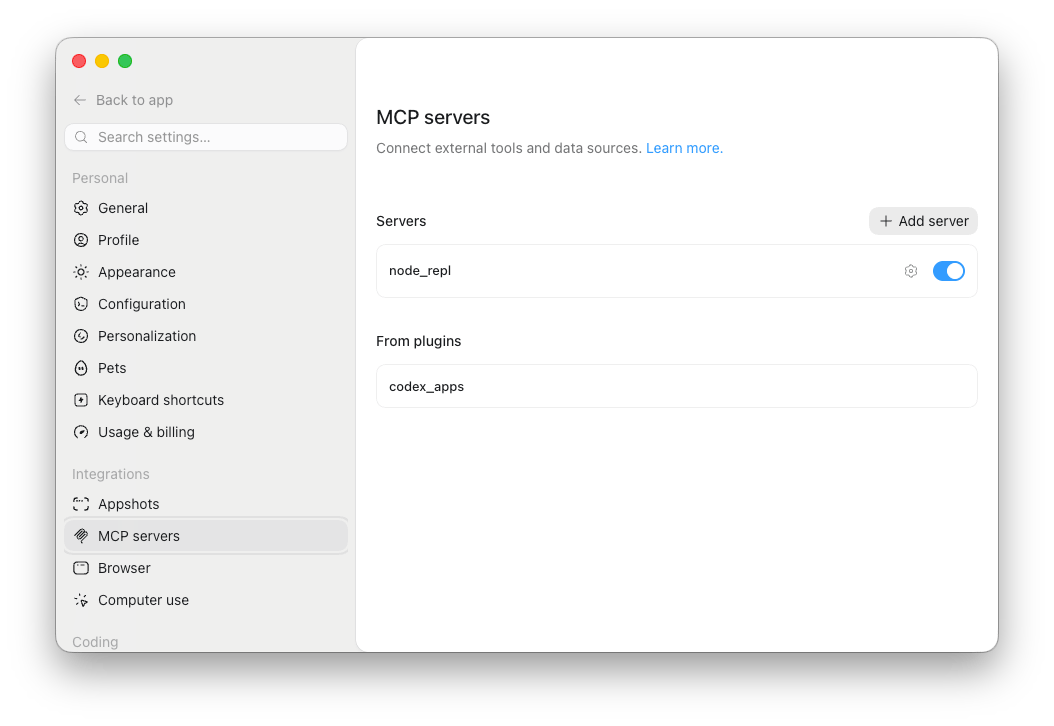
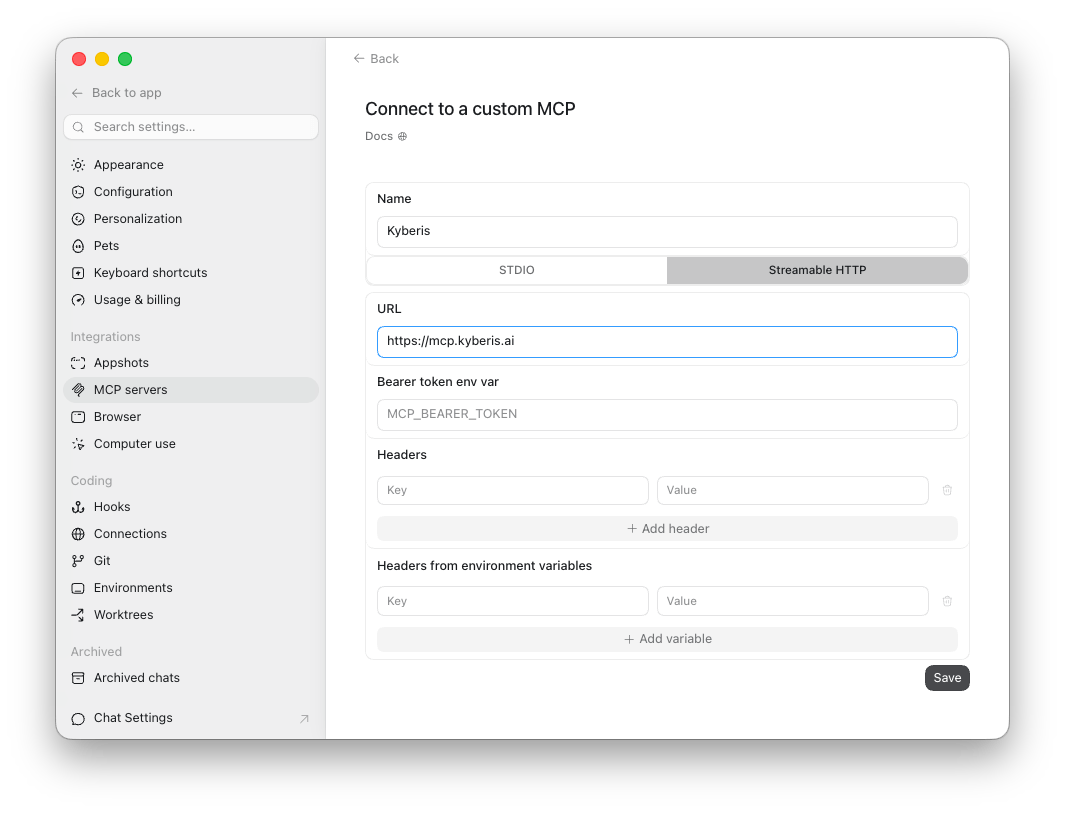
3. Add the Kyberis MCP Server
Create a custom MCP server:
Leave token and header fields empty unless your Kyberis administrator gives you a specific credential flow. Select Save.
4. Authenticate MCP
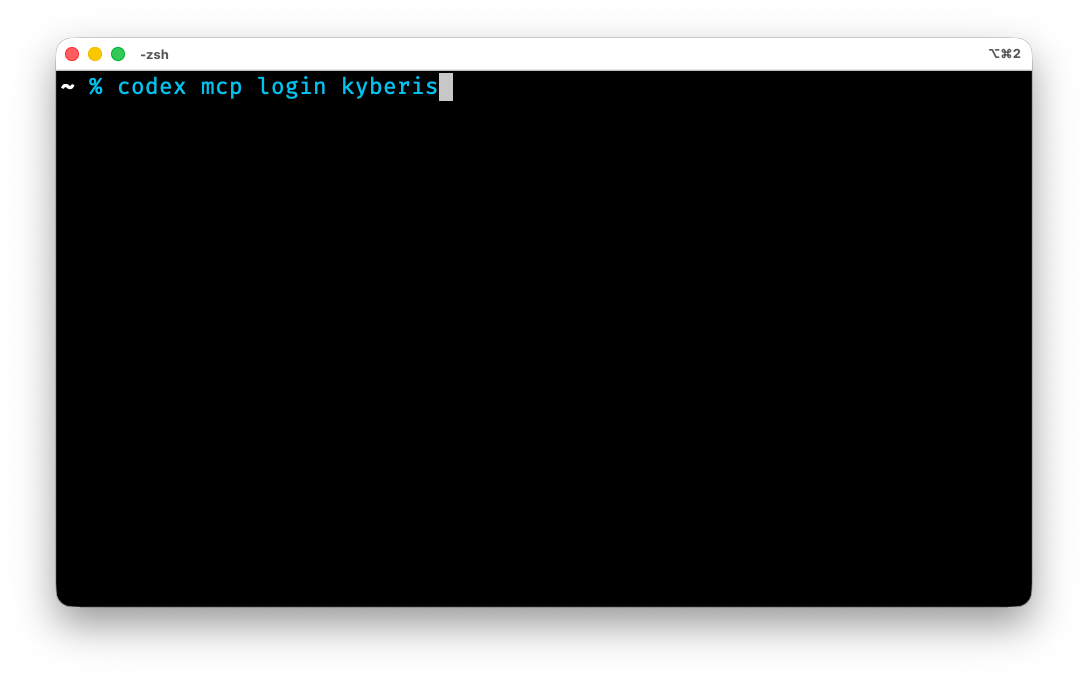
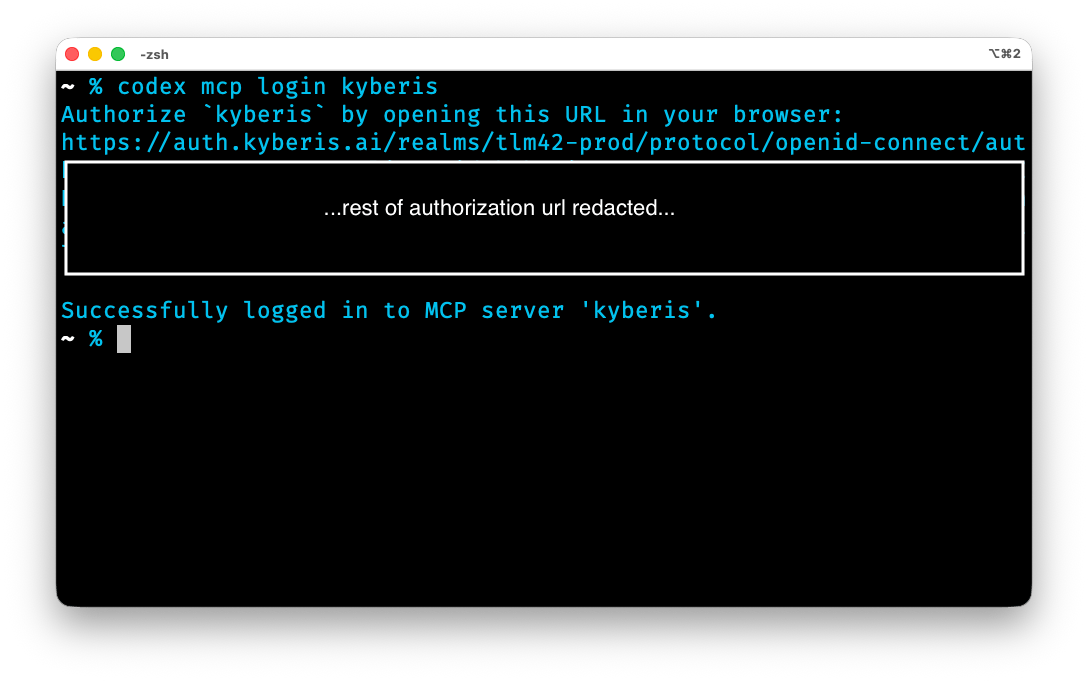
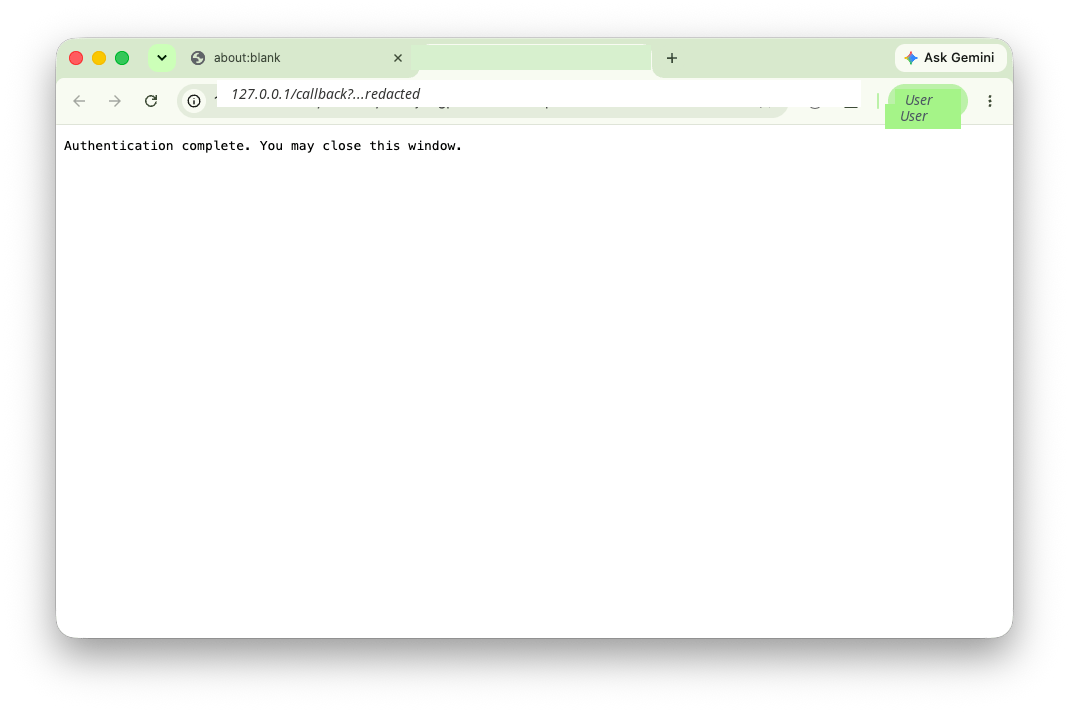
Codex uses a Kyberis-managed OAuth client for browser login. Before logging in, open~/.codex/config.toml and make sure the Kyberis server has an OAuth client_id block:
Kyberis, use:
5. Install the Kyberis Skill
Install the Kyberis skill for Codex: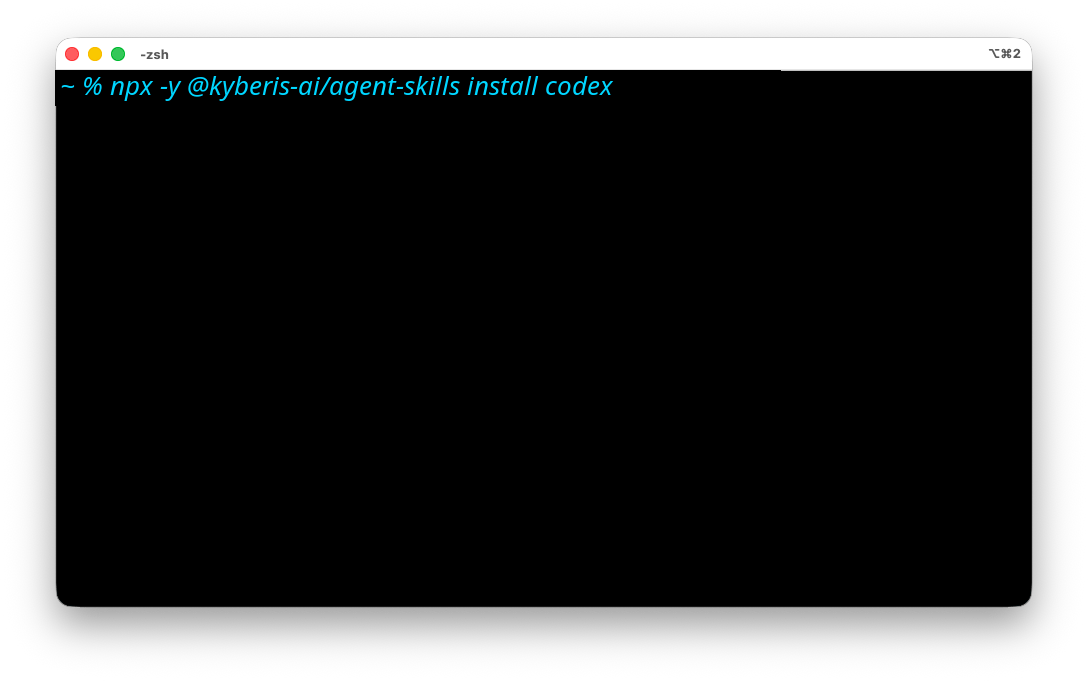
~/.codex/skills/kyberis. Restart Codex Desktop after installation so the skill is available in new chats.
To check the installed skill later, run:
6. Verify Tools and Skill Behavior
Start a new Codex Desktop chat in the workspace where you want to use Kyberis. Ask Codex to list the Kyberis MCP tools: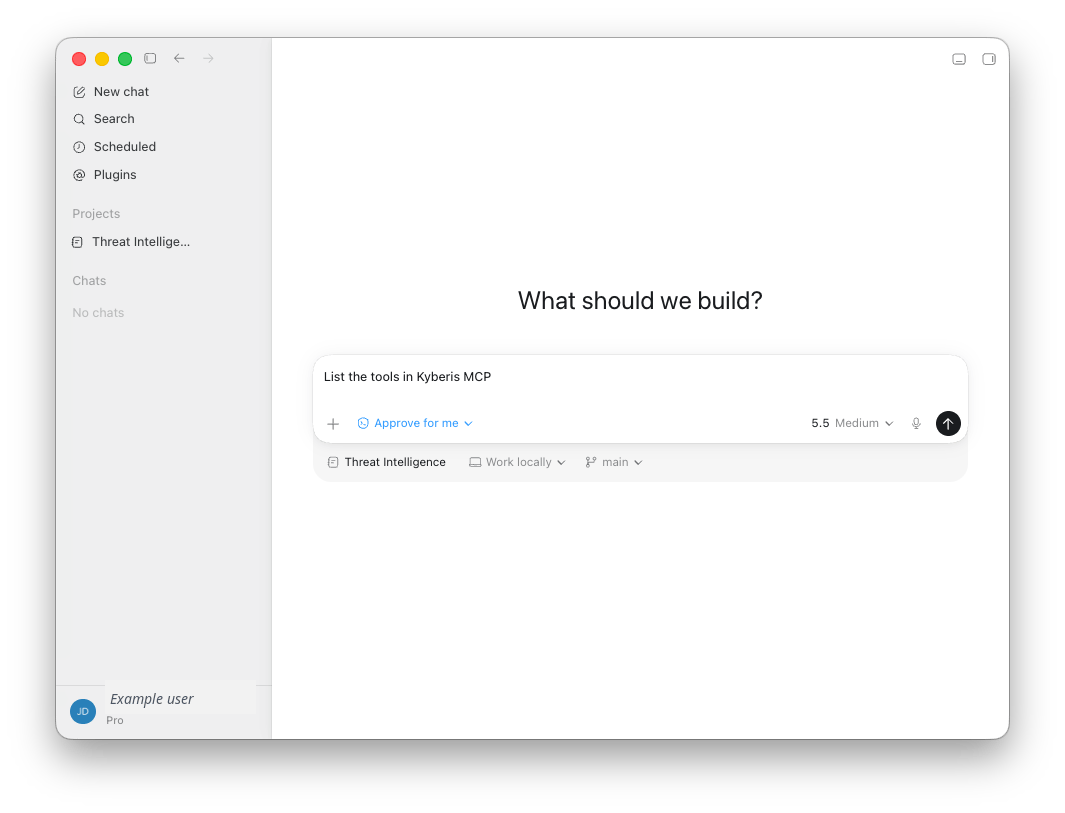
request_id, evidence IDs, confidence, and caveats in the response.

